


Product design built in partnership with founders, engineers, and internal teams.







A product can offer the right capability and still make the task difficult. People hesitate at an unclear label, lose their place in a long form, or reach an error message that gives them no useful way forward.
Truesight designs user journeys and interfaces that help people understand what to do and what happens next. We work through the structure, interaction, and visual detail of priority tasks, then prepare those decisions for implementation.
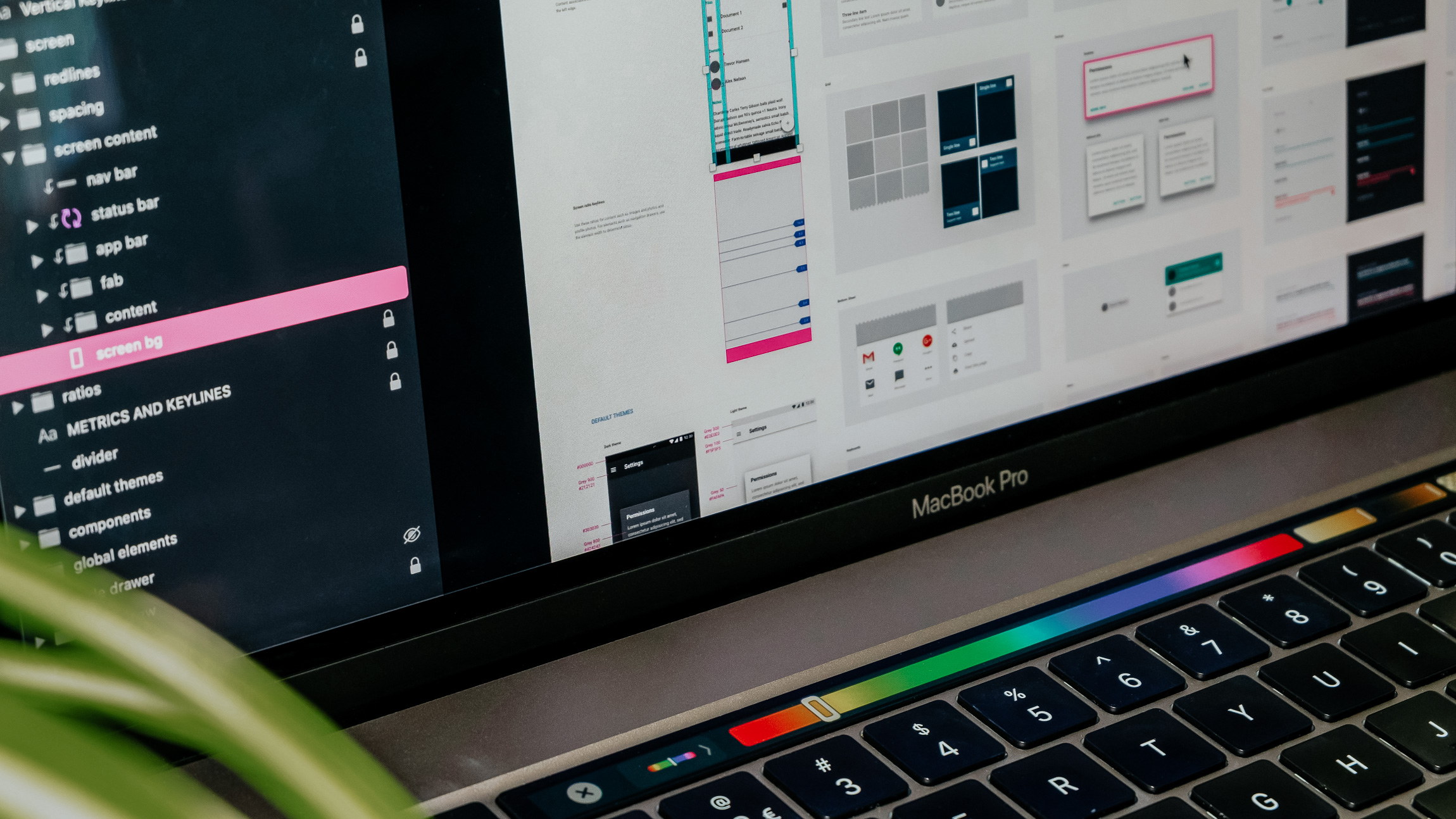
UX/UI design brings together how an experience works and how that behavior is communicated. User experience work addresses the sequence of tasks, information, and decisions. Interface design makes those choices visible through layout, controls, hierarchy, feedback, and the states people encounter along the way. The two need to be developed together for the experience to make sense.
A focused engagement is useful when an existing product, website, or internal tool has specific journeys that need attention. Onboarding may be difficult to complete, a dashboard may hide the information people need, or a frequently used workflow may require unnecessary steps. The organization can have a sound product direction while still needing better execution at the point of use.
We design the agreed journeys and interfaces in enough detail for the team to implement and evaluate them. Compared with a broader Product Design engagement, this scope centers on defined tasks or product areas rather than shaping the overall product. Findings from prior discovery can guide the work; unresolved questions are identified rather than silently treated as settled requirements.
A customer submits a form and cannot tell whether it worked. An employee opens a record and has to check several tabs before finding its status. A returning user sees an empty screen without knowing whether information is missing, still loading, or waiting for an action. The people who built the system understand these distinctions, but the interface does not explain them.
Teams often learn about the friction indirectly. Support repeats the same instructions, sales demonstrates workarounds during onboarding, and product reviews collect requests for another button or explanatory tooltip. Changes accumulate around individual complaints while the task itself remains difficult. What looks like a small interface issue can require customers and employees to spend extra attention every time they use the product.
A more polished screen will only help when its structure and behavior are right. The design needs to account for what a person knows at each step, what choices are available, and how the experience responds when something goes wrong. Those decisions belong in the design brief rather than being left for users or developers to work out later.
We review the agreed journey alongside available feedback, usage evidence, and the team's understanding of the problem. We establish what a successful task looks like, where people lose context, and which constraints the design must respect. Flow and layout options help the team examine the approach before committing to detailed screens.
We then develop the interface with attention to hierarchy, interaction states, responsive behavior, and accessibility considerations. Prototypes help reveal gaps that static screens can hide. Where usability testing is included, findings inform revisions before handoff; implementation notes document the behavior and details that the engineering team needs to carry through.
Restructure priority tasks, navigation, and information groupings so people can find what they need and understand the sequence ahead. Define key entry, completion, and recovery paths.
Design layouts, controls, and feedback for the agreed screens and workflows. Include loading, empty, error, and success states where they affect the task.
Account for different screen sizes, readable content, clear labels, and keyboard interaction in the design specifications. Identify implementation details that need verification in the built experience.
Create task-based prototypes and refine the experience through review and scoped testing. Document the resulting interaction decisions and handoff requirements for implementation.
“One of the things that impressed me about Garrhet was how much he understood beyond design. We could talk about user experience, marketing, business strategy, or photography, and he'd always bring something useful to the conversation. He's driven, knows his stuff, and has a real ability to connect with people. I think that combination makes him particularly valuable when you're trying to build something from the ground up.”

People have clearer cues for where they are, what they can do, and whether an action has succeeded. A useful error state offers a path to recovery. A well-structured form makes the information needed easier to understand. These changes can reduce the amount of instruction required outside the interface, especially for tasks people perform frequently or encounter without someone available to guide them.
The delivery team can work from more complete interaction decisions. Designers and engineers have a shared account of the expected states and behavior, making review more specific than comparing a screenshot with a static mockup. Support and operations can also see how the revised journey addresses the recurring questions they encounter. Different teams have a clearer way to contribute without each proposing an unrelated fix.
After implementation, improvement can be evaluated at the task level. The organization can look at completion, errors, support questions, or other relevant signals for the journey that changed. Design alone does not establish the result; testing in the built experience and observation after release remain important. A defined task and documented approach make that evaluation more useful and give the next iteration a clear place to begin.
A difficult onboarding flow, confusing dashboard, or repeated support question can provide a useful starting point. We will help work through the task and design an interface that gives people a clearer way to complete it.
Single Projects
Ongoing Sprints